Chromadb basics
I’m following along with this tutorial:
It covers the basics of getting started with Chroma in Python.
Create a virtual environment #
I’m using mise, so the environment can be created by adding a .mise.toml file to the project’s
directory:
[tools]
python = "3.11.13"

[env]
_.python.venv = { path = ".venv", create = true }
Then install chromadb:
> pip install chromadb
Project outline #
Create a program that lets you ask questions about your documents and get AI powered answers:
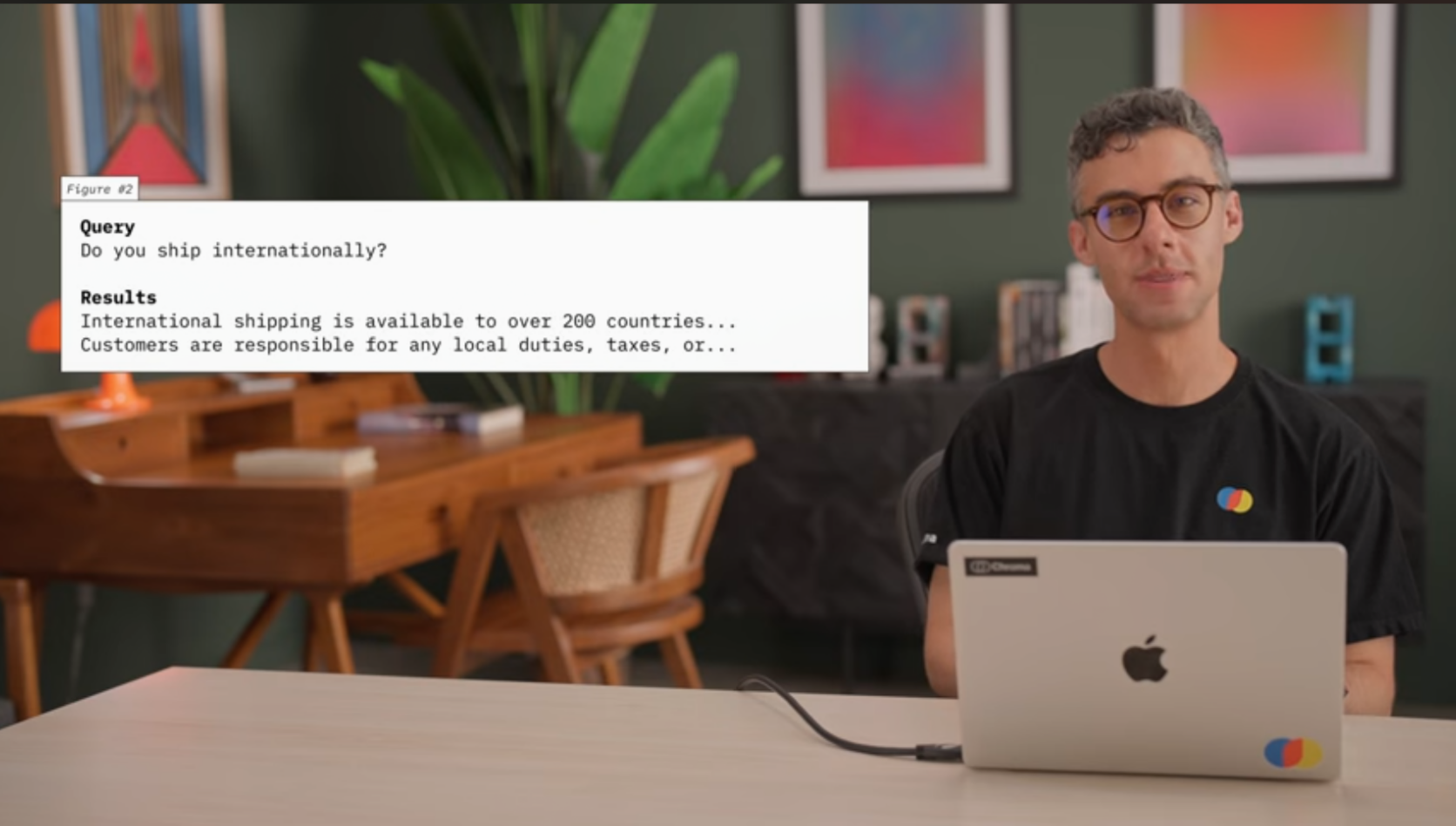
A hypothetical Chroma application
“Using an online store’s policy file as our example, we’ll ingest the content into Chroma and use it to build relevant context to an LLM for accurate document based responses.”
The content will be fed into an embedding model, then stored in a Chroma database. What gets returned from the embedding model? How is an embedding model different from a GPT model?
Generate embeddings from the data #
Following the tutorial will require some policies, so I got an LLM to generate the following policies.txt file:
All orders over $50 qualify for free standard shipping within the continental United States.
Returns are accepted within 30 days of purchase with original receipt and packaging.
We offer a price match guarantee if you find a lower price within 14 days of your purchase.
Gift cards are non-refundable and do not expire.
Exchanges can be made in-store or by mail within 60 days of purchase.
International shipping is available to most countries with delivery times of 7-21 business days.
Orders typically ship within 1-2 business days after payment confirmation.
We accept Visa, Mastercard, American Express, Discover, PayPal, and Apple Pay.
Damaged or defective items can be returned for a full refund or replacement at no cost to the customer.
Sale and clearance items are final sale and cannot be returned or exchanged.
We do not store credit card information on our servers for your security.
Email confirmations are sent immediately after order placement and when items ship.
Customer service is available Monday through Friday, 9 AM to 6 PM EST.
Out of stock items can be backordered and will ship when inventory is replenished.
We reserve the right to cancel orders if pricing errors occur on our website.
Promotional codes cannot be combined with other offers unless explicitly stated.
Bulk orders of 50+ items qualify for volume discounts - contact sales for pricing.
Our loyalty program offers 1 point per dollar spent, redeemable for future purchases.
Personal information is never shared with third parties except as required for order fulfillment.
Refunds are processed within 5-7 business days after we receive returned items.
Pre-orders require a 25% deposit and the remaining balance is charged when items ship.
We offer free gift wrapping services for all orders upon request at checkout.
Products come with a one-year manufacturer's warranty covering defects in materials and workmanship.
Membership subscriptions auto-renew monthly and can be cancelled at any time without penalty.
Address changes can be made up to 24 hours after order placement before shipping begins.
We use eco-friendly packaging materials and carbon-neutral shipping options when available.
Lost or stolen packages must be reported within 48 hours of the delivery confirmation date.
Custom or personalized items require 2-3 weeks for production and cannot be returned.
Price adjustments are not available on previously purchased items that go on sale.
We maintain a wishlist feature that allows you to save items for future purchase.
Order tracking numbers are provided via email once your package leaves our warehouse.
Expedited shipping options include 2-day and overnight delivery for an additional fee.
Students and military personnel receive a 10% discount with valid identification.
We do not ship to PO boxes for orders containing high-value items over $500.
Items purchased as gifts can be returned for store credit without a receipt.
Our mobile app offers exclusive deals and early access to new product launches.
Abandoned cart items are saved for 30 days and can be purchased at the original price.
We price match competitor websites but not third-party marketplace sellers.
Newsletter subscribers receive a welcome discount of 15% off their first purchase.
Chroma server #
The project is going to use a Chroma server running in memory.
import chromadb

client = chromadb.Client()

collection = client.create_collection(name="policies")
Queries will be submitted to the Chroma collection. The collection will return parts of the document
that are relevant to the query. Each record of the collection will represent a single line of the policies.txt file. This is often referred to as “chunking” data.
with open("policies.txt", "r", encoding="utf-8") as f:
    policies: list[str] = f.read().splitlines()

# add the policies to the collection with the `collection.add` method
# each record in the collection needs a unique id
collection.add(
    ids=[str(uuid.uuid4()) for _ in policies],
    documents=policies,
    metadatas=[{"line": line} for line in range(len(policies))]
)
Look at the collection’s first 5 records:
print(collection.peek(5))
{'ids': ['d9219181-4ef0-4e40-9e46-8f5b57b50ad9', '71b3c090-d1df-467e-a2a2-5710b3db71c2', '60b3ecff-95b5-45db-8011-a55d1cd2c7bb', '1537eaa9-c414-4855-98c8-86d73946703f', 'e6661768-4d0d-453c-bfca-d79ced942050'], 'embeddings': array([[-0.00417381, -0.02453116,  0.0873247 , ..., -0.0727297 ,
         0.01340892, -0.04026455],
       [-0.08677379,  0.02893519,  0.06098542, ..., -0.05805324,
         0.0226095 , -0.00034446],
       [-0.11103858,  0.03615707,  0.11197498, ..., -0.14924468,
        -0.03718596, -0.01221468],
       [-0.07363284, -0.01197048,  0.00483857, ...,  0.0518976 ,
        -0.04424863, -0.02684603],
       [-0.0282443 , -0.03466247,  0.00859283, ..., -0.04357966,
        -0.01918391,  0.01991197]], shape=(5, 384)), 'documents': ['All orders over $50 qualify for free standard shipping within the continental United States.', 'Returns are accepted within 30 days of purchase with original receipt and packaging.', 'We offer a price match guarantee if you find a lower price within 14 days of your purchase.', 'Gift cards are non-refundable and do not expire.', 'Exchanges can be made in-store or by mail within 60 days of purchase.'], 'uris': None, 'included': ['metadatas', 'documents', 'embeddings'], 'data': None, 'metadatas': [{'line': 0}, {'line': 1}, {'line': 2}, {'line': 3}, {'line': 4}]}
Try looking at one record:
records = collection.get(limit=1)
print(records)
I’m not sure why no embeddings are returned:
{'ids': ['61291770-ec6c-4818-8a37-4e17275c4c1c'], 'embeddings': None, 'documents': ['All orders over $50 qualify for free standard shipping within the continental United States.'], 'uris': None, 'included': ['metadatas', 'documents'], 'data': None, 'metadatas': [{'line': 0}]}
I’ll try this way for now:
records = collection.peek(1)
print("records type", type(records))
# records type <class 'dict'>
print("embeddings type", type(records["embeddings"]))
# embeddings type <class 'numpy.ndarray'>
print("embeddings shape", records["embeddings"].shape)
# embeddings shape (1, 384)
print("embeddings[0][:10]", records["embeddings"][0][:10])
# embeddings[0][:10] [-0.00417381 -0.02453116  0.0873247   0.00715757  0.06604723  0.02518193
#  -0.11666935 -0.03335944 -0.02328851  0.11421866]
What model is creating the embeddings? What’s the difference between an LLM that’s used to generate embeddings and a GPT LLM?
Answering the above questions:
An overview of the difference between GPT and embedding models: notes / Differences between GPT and embedding models .
When calling collection.add in the tutorial code, without explicitly setting a model, Chroma is
using (I think, but should confirm) the SentenceTransformers all-MiniLM-L6-v2 model. It produces
384 dimensional embeddings (as is shown by the call to records["embeddings"].shape in the above
code).
A model can be set explicitly using something like this:
from chromadb.utils import embedding_functions

sentence_transformer_ef = embedding_functions.SentenceTransformerEmbeddingFunction(
    model_name="all-mpnet-base-v2"
)

collection = client.create_collection(
    name="policies",
    embedding_function=sentence_transformer_ef,  # type: ignore (the ignore type directive is used in the Chroma code too)
)
records = collection.peek(1)
print("embeddings shape", records["embeddings"].shape)
# embeddings shape (1, 768)  (embeddings now have 768 dimensions)
Submit queries to the collection #
# query the collection
results = collection.query(
    query_texts=["What is the return policy?", "Do you do gift wrapping?"],
    n_results=5,  # by default Chroma will return 10 results
)

for i, query_results in enumerate(results["documents"]):
    print(f"\nQuery {i}")
    print("\n".join(query_results))
Query 0
Returns are accepted within 30 days of purchase with original receipt and packaging.
Damaged or defective items can be returned for a full refund or replacement at no cost to the customer.
Refunds are processed within 5-7 business days after we receive returned items.
Items purchased as gifts can be returned for store credit without a receipt.
Sale and clearance items are final sale and cannot be returned or exchanged.

Query 1
We offer free gift wrapping services for all orders upon request at checkout.
Custom or personalized items require 2-3 weeks for production and cannot be returned.
We maintain a wishlist feature that allows you to save items for future purchase.
Items purchased as gifts can be returned for store credit without a receipt.
We use eco-friendly packaging materials and carbon-neutral shipping options when available.Query 0
Under the hood, Chroma embedded the queries and ran similarity searches against the embeddings in the collection.
The suggestion in the tutorial is that these responses would then be used by an LLM to answer customer questions. I think that’s called RAG (retrieval augmented generation). Having an LLM flesh out the responses feels like it could be an unnecessary step. In any case, I’m just building a search engine.
Configuring how the Chroma server runs #
Currently the Chroma server is running in memory. A “persistent client” can be used to have the data saved on disk. This is done by changing the type of client:
client = chromadb.PersistentClient(path="./tutorial_data")

# since the collection will already have been created after the first run, use
# `get_or_create_collection`
# NOTE: collection names are unique per database
collection = client.get_or_create_collection(name="policies")
There’s a somewhat confusing comment in the tutorial saying that we can now comment out the data
addition logic. I think what is meant is that the call to collection.add() only needs to be run
once, as the records are persisted to the database:
collection.add(
    ids=[str(uuid.uuid4()) for _ in policies],
    documents=policies,
    metadatas=[{"line": line} for line in range(len(policies))],
)
Chroma HTTP client #
❯ chroma run


                (((((((((    (((((####
             ((((((((((((((((((((((#########
           ((((((((((((((((((((((((###########
         ((((((((((((((((((((((((((############
        (((((((((((((((((((((((((((#############
        (((((((((((((((((((((((((((#############
         (((((((((((((((((((((((((##############
         ((((((((((((((((((((((((##############
           (((((((((((((((((((((#############
             ((((((((((((((((##############
                (((((((((    #########

Saving data to: ./chroma
Connect to Chroma at: http://localhost:8000
Getting started guide: https://docs.trychroma.com/docs/overview/getting-started

☁️ To deploy your DB - try Chroma Cloud!
- Sign up: https://trychroma.com/signup
- Docs: https://docs.trychroma.com/cloud/getting-started
- Copy your data to Cloud: chroma copy --to-cloud --all

OpenTelemetry is not enabled because it is missing from the config.
I’m not using this, but instead of using the persistent client, the HTTP client can be configured with:
client = chromadb.HttpClient(host="localhost", port=8000)